Article
Adobe Journey Optimizer B2B Edition: account-based marketing for enterprise
Adobe Journey Optimizer B2B Edition is Adobe's product for account-based marketing: it orchestrates journeys directed at enterprise buying groups, not individuals. What sets it apart from regular AJO and how we implement it at WolfSellers.

On this page
- What is Adobe Journey Optimizer B2B Edition
- AJO B2B Edition vs regular AJO: the differences that matter
- The central concept: Buying Groups
- Main AJO B2B Edition use cases
- ABM campaign orchestration for enterprise
- Pipeline acceleration in stalled accounts
- Marketing-sales coordination on new accounts
- AJO B2B Edition technical components
- How we implement it at WolfSellers
- AJO B2B Edition integration with the Adobe ecosystem
- Frequently asked questions about AJO B2B Edition
- Related services
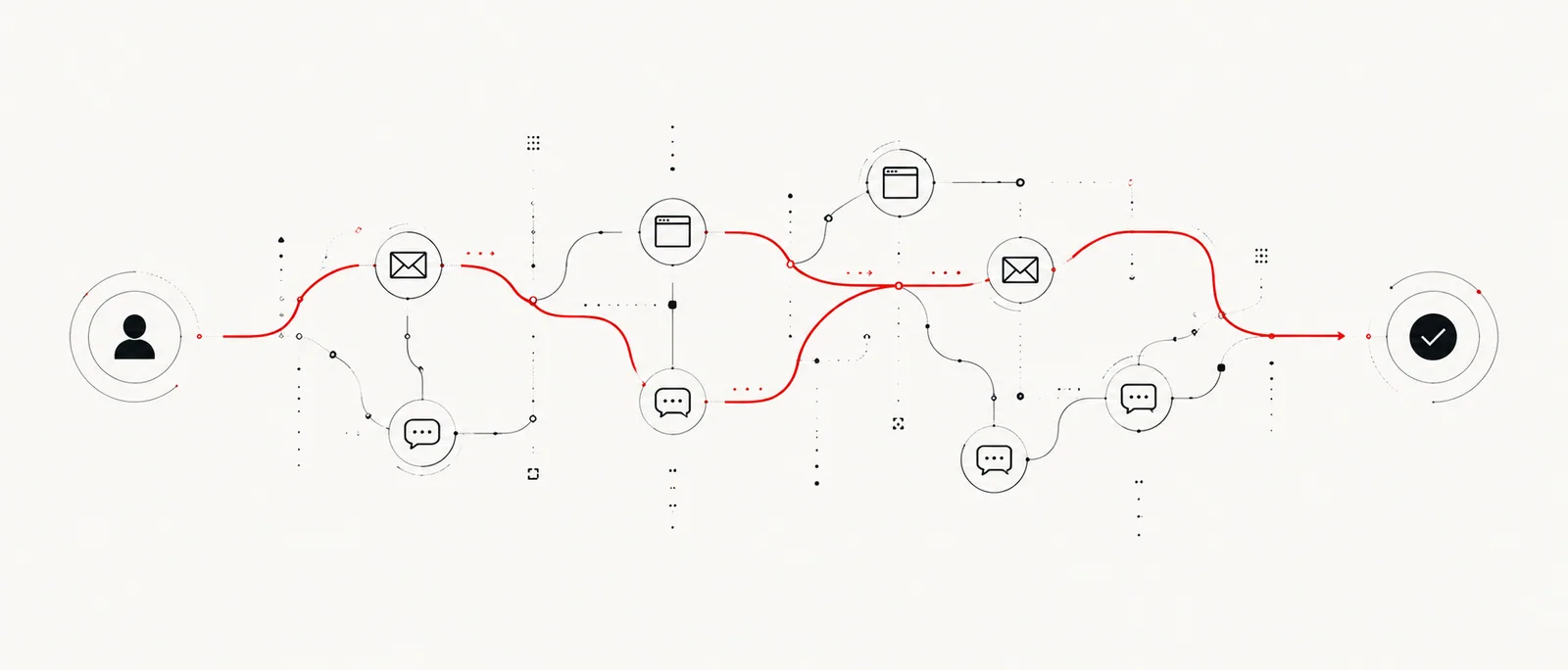
B2B marketing faces a structural problem that marketing automation tools designed for B2C do not solve well: enterprise purchasing decisions are not made by one person, they are made by a committee. A CTO, a Director of IT, a procurement manager, an end user from the business unit. Regular Adobe Journey Optimizer — and Marketo — orchestrate individual journeys. Adobe Journey Optimizer B2B Edition orchestrates journeys of entire buying groups, coordinating the right message for each role on the committee at the right time.
At WolfSellers we implement AJO B2B Edition as part of B2B marketing maturity projects for our clients in Mexico and LATAM. In this post we explain what the product is, how it differs from regular AJO, what its technical capabilities are, and for what type of company it makes sense to adopt it.
What is Adobe Journey Optimizer B2B Edition
Adobe Journey Optimizer B2B Edition is an Adobe product designed specifically for account-based marketing (ABM): the practice of directing marketing and sales efforts to specific enterprise accounts with personalized messages for each stakeholder within that account.
Unlike regular Adobe Journey Optimizer — which orchestrates journeys of individual consumers based on their digital behavior — AJO B2B Edition operates with two distinct units of analysis:
- The account (company account): the target company, with its interaction history, purchase intent signals, and stage in the sales process.
- The buying group: the set of people within that account who participate in the purchase decision, each with their role, engagement level, and relative influence.
The product was built natively on Adobe Experience Platform (AEP) and integrates with Adobe Marketo Engage for campaign execution, with CRMs like Salesforce and Microsoft Dynamics to sync opportunity status, and with LinkedIn for B2B audience activation.
AJO B2B Edition vs regular AJO: the differences that matter
The most common confusion is treating AJO B2B Edition as a variant of regular AJO with additional features. It is more accurate to see them as complementary products with distinct use cases.
| Dimension | Adobe Journey Optimizer (regular) | AJO B2B Edition |
|---|---|---|
| Primary unit | Individual (AEP profile) | Account + Buying Group |
| Use case | B2C / individual consumer journeys | B2B / ABM / enterprise sales |
| Activation | Email, SMS, push, in-app, web | Email (via Marketo), LinkedIn, CRM sync |
| Segmentation | Individual attributes and behavior | Account intent signals + buying group completeness |
| Primary integration | AEP + digital channels | Marketo Engage + CRM + LinkedIn + AEP |
| Success metrics | Individual conversion, CTR, engagement | Buying group completeness, influenced opportunities, pipeline generated |
| For whom | Mass consumer marketer | B2B revenue marketer, ABM team |
Both products can coexist in the same organization. A company that has both a B2C channel (online store for consumers) and a B2B channel (direct sales to distributors or companies) can use regular AJO for B2C and AJO B2B Edition for B2B.
The central concept: Buying Groups
The Buying Group concept is the structural innovation of AJO B2B Edition compared to any other B2B marketing automation tool on the market.
A Buying Group in AJO B2B Edition is defined as the set of people within a target account who have influence over a specific purchase decision. The product allows:
- Defining Buying Group roles: Economic Decision Maker, Technical Influencer, End User, Internal Champion, Blocker. Each role carries a different weight in the group's completeness score.
- Calculating the Buying Group Completeness Score: a score that measures how complete the buying group is for a specific account. If the economic decision maker has not been identified or has not shown engagement, the score is low — even if the rest of the group is active.
- Orchestrating by account, not by individual: when the decision maker of an account takes a certain action (opens an email, visits the pricing page, downloads a whitepaper), AJO B2B Edition can automatically trigger different content for the technical influencer at that same account — without the influencer having taken any action on their own.
- Alerting sales with complete account context: when the Buying Group Completeness Score exceeds a threshold (for example, 70%), AJO B2B Edition can automatically notify the assigned sales executive with a summary of the group's status: who is active, who is not, what content they have consumed, and what the recommended next step is.
This model solves the classic B2B marketing problem: the marketing team generates a "qualified" lead from someone at a mid-level position at a target company, while the economic decision maker who signs the contract was never personally contacted.
Main AJO B2B Edition use cases
ABM campaign orchestration for enterprise
A B2B software company has 200 target accounts defined by the sales team. With AJO B2B Edition, it configures a journey that:
- Identifies which Buying Group roles are already identified in each account
- Activates role-specific thought leadership content (CTO sees technical architecture cases, CFO sees ROI analysis)
- Detects when the Completeness Score reaches a threshold and notifies sales for a discovery call
- Syncs engagement status with the CRM in real time
Without AJO B2B Edition, that flow would require manual coordination between the marketing and sales teams, with high probability that some accounts go unattended or receive generic messages.
Pipeline acceleration in stalled accounts
A financial services company has 40 opportunities in its CRM that have had no movement for more than 90 days. With AJO B2B Edition it can activate a re-engagement program directed specifically at the roles that have shown low engagement in those accounts, with content differentiated by vertical (manufacturing, retail, government) and by the opportunity stage in the CRM.
Marketing-sales coordination on new accounts
When the sales team marks a new account as a target in the CRM, AJO B2B Edition can automatically start a warm-up journey: sequence of educational content on LinkedIn for publicly identifiable roles, introductory email from the assigned sales executive, invitation to a relevant webinar for the account's vertical.
AJO B2B Edition technical components
The technical architecture of AJO B2B Edition has four layers:
Adobe Experience Platform as the foundation. All people profiles and interaction history live in AEP. Cross-channel identity (the same contact on LinkedIn, in the CRM, and in the website form) is resolved in AEP's Identity Graph.
Account intent data. AJO B2B Edition can consume intent signals from platforms like Bombora or G2 — integrated via AEP — to identify accounts that are actively researching solutions in relevant categories, even before they have contacted the company.
Adobe Marketo Engage as email execution engine. The emails that AJO B2B Edition sends are executed through Marketo, which acts as the system of record for B2B email campaign execution. It is not necessary to migrate the entire Marketo stack — AJO B2B Edition integrates with an existing Marketo instance.
LinkedIn activation. AJO B2B Edition can create LinkedIn audiences directly from the defined Buying Groups, allowing specific ads to be shown to buying committee roles that have not yet responded to direct channels (email).
How we implement it at WolfSellers
AJO B2B Edition implementation at WolfSellers begins with a marketing-sales alignment phase that is often the most important work of the project — not the technical configuration.
Weeks 1-3 — ICP and Buying Groups definition. We work with the sales and marketing team to define the Ideal Customer Profile (ICP), the target accounts, and the Buying Group roles for each solution or product. This phase produces the framework that governs all subsequent technical configuration.
Weeks 3-6 — Data integration. We connect the account data sources that already exist in the organization: the CRM (with opportunity and contact history), Marketo (with existing email engagement data), and optionally intent data platforms. All this information flows to AEP and is structured so AJO B2B Edition can consume it.
Weeks 6-10 — Journey configuration and activation. We configure the Account Journeys in AJO B2B Edition: entry and exit conditions, triggers based on account signals, Buying Group Completeness Score logic, and integrations with Marketo (for email execution) and LinkedIn (for audience activation).
Weeks 10-12 — Pilot with selected accounts. We launch the first journey with a subset of target accounts (20-30 accounts), monitor the system behavior, and adjust the configuration based on the first results. The pilot success metric is the increase in Buying Group Completeness Score of activated accounts vs. control accounts.
Weeks 12 onward — Expansion and optimization. Once the model is validated with the pilot, we expand to the full portfolio of target accounts and incorporate pilot learnings into the configuration of additional journeys.
AJO B2B Edition integration with the Adobe ecosystem
AJO B2B Edition is designed to work together with the rest of the Adobe ecosystem. The most relevant integrations for companies in Mexico:
- Marketo Engage: the email execution engine. An existing Marketo instance can be connected to AJO B2B Edition without migrating current campaigns. AJO B2B Edition journeys "dispatch" emails through Marketo, which remains the system of record for existing nurturing programs.
- Adobe Real-Time CDP: account segments defined in RT-CDP feed AJO B2B Edition with target account lists updated in real time. A change in a company's profile (new employee in a key role, detected intent signal) automatically updates the Buying Group status in AJO B2B Edition.
- Adobe Analytics / CJA: behavioral data on the website from people at target accounts is analyzed to detect interest signals (repeated visits to the pricing page, download of a technical datasheet). These events can trigger actions in AJO B2B Edition.
- Adobe Commerce B2B: for companies with a distributor portal or B2B ecommerce, interactions on the portal (quote requests, frequent orders, inactivity) are account signals that AJO B2B Edition can use to activate retention or upsell journeys.
Frequently asked questions about AJO B2B Edition
Does AJO B2B Edition replace Marketo Engage?
No. AJO B2B Edition and Marketo Engage are complementary. Marketo is the system of record for executing email programs and nurturing. AJO B2B Edition adds the account and buying group orchestration layer that Marketo does not have natively. In practice, AJO B2B Edition decides "what to send and when" at the account level, and Marketo executes the send.
Can AJO B2B Edition be implemented without Marketo?
In theory yes, but it is not the scenario recommended by Adobe. The integration with Marketo as email execution engine is central to the product's architecture. Companies that do not have Marketo can evaluate whether it makes sense to implement both together, or whether regular AJO (with its own email sending engine) is sufficient for their needs.
What company size justifies AJO B2B Edition?
The product makes most sense for companies with enterprise sales processes (cycles of 3-18 months, multiple stakeholders, tickets of $500k MXN or more) and marketing and sales teams that already work with ABM or want to adopt it. A company with 50-100 active target accounts and a revenue marketing team is the practical entry point.
How long does implementation take?
An implementation with CRM + Marketo integration + first active journey takes between 10 and 16 weeks. The primary variable is not technical complexity but the availability of the sales and marketing team for the ICP and Buying Group definition phases — which require business decisions, not just technology.
How is AJO B2B Edition success measured?
The primary metrics are pipeline metrics: opportunities influenced by the ABM program, sales cycle velocity in activated accounts vs. control accounts, and pipeline generated attributable to the program. Secondary metrics are the Buying Group Completeness Score (what percentage of target accounts have the buying group identified and active) and engagement rate by Buying Group role.
Is AJO B2B Edition available in Mexico and LATAM?
Yes. The product is available globally as part of the Adobe Experience Cloud portfolio. Spanish-language support availability and integration with local platforms (Salesforce in Spanish, integrations with CRMs used in LATAM) is part of what WolfSellers covers in the implementation as an Adobe certified partner in Mexico.
Related services
If this topic is relevant to your business, these services from WolfSellers can help you implement it: